 Amanda
AMANDA FIELD GUIDE / 03
How to summarize a research-paper passage
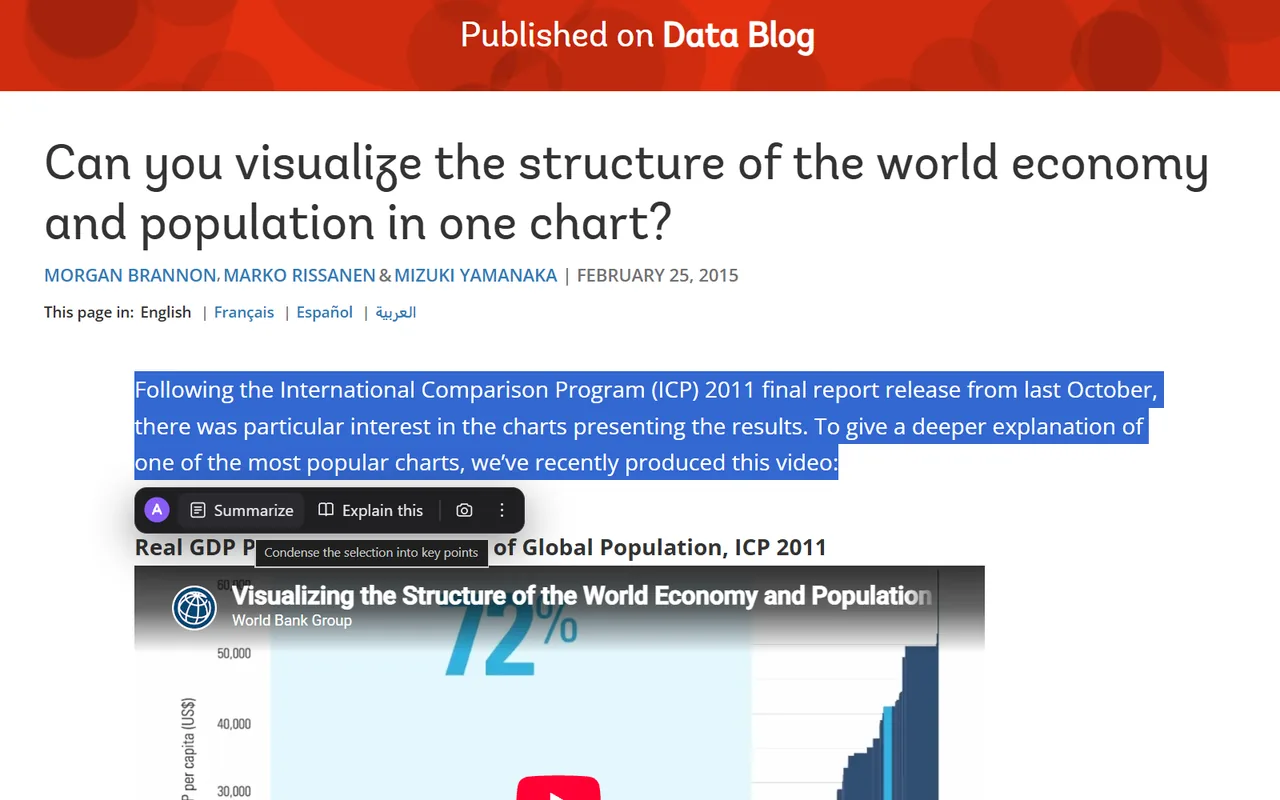
To summarize part of a research paper without switching tabs, highlight the passage and select Summarize in Amanda’s action bar. Ask follow-ups in the same panel to separate the finding from its limitations.
1. Choose the right scope
Start with one paragraph or a short section. An abstract gives an overview; the methods section explains how the study was done; the results section reports observations. A summary of a selection is not a summary of the entire paper.
2. Run Summarize
On a webpage, select the passage and choose Summarize. For a PDF, use Amanda’s reader. If the bar does not appear on an existing webpage after installation, reload the page first.
3. Keep the evidence attached
EXAMPLE FOLLOW-UP PROMPT
Summarize this selection in three bullets: the question, the main finding, and the limitation. Preserve any numbers and uncertainty. If something is not stated in this passage, say so.
For an illustrative passage reporting a difference between two groups, check that the summary preserves the size and direction of the difference. It should not turn an association into a causal conclusion unless the source supports that claim.
4. Return to the source
Compare each bullet with the selected text. Check sample sizes, units, dates and qualifying words such as “may” or “under these conditions.” If the summary mentions a limitation absent from the passage, ask whether it is an inference.
Make notes you can use later
Write a short takeaway in your own words and save the original paper’s citation and page or section number with it. Cite the paper as evidence, and follow your course’s policy for acknowledging AI assistance.
What Amanda sends
The selection, page title and URL are sent to Amanda’s backend for a response. A screenshot action sends the captured region too. The full PDF file is not uploaded to Amanda’s server. See the privacy policy for details.